
 Growth Experts × CRM Insights
Prepared for Don & Neil · May 2026
Ask your CRM a question. Get an answer with a source.
A RAG layer on Workbooks and Microsoft Dynamics for CRM Insights clients, and a new line of work after go-live.
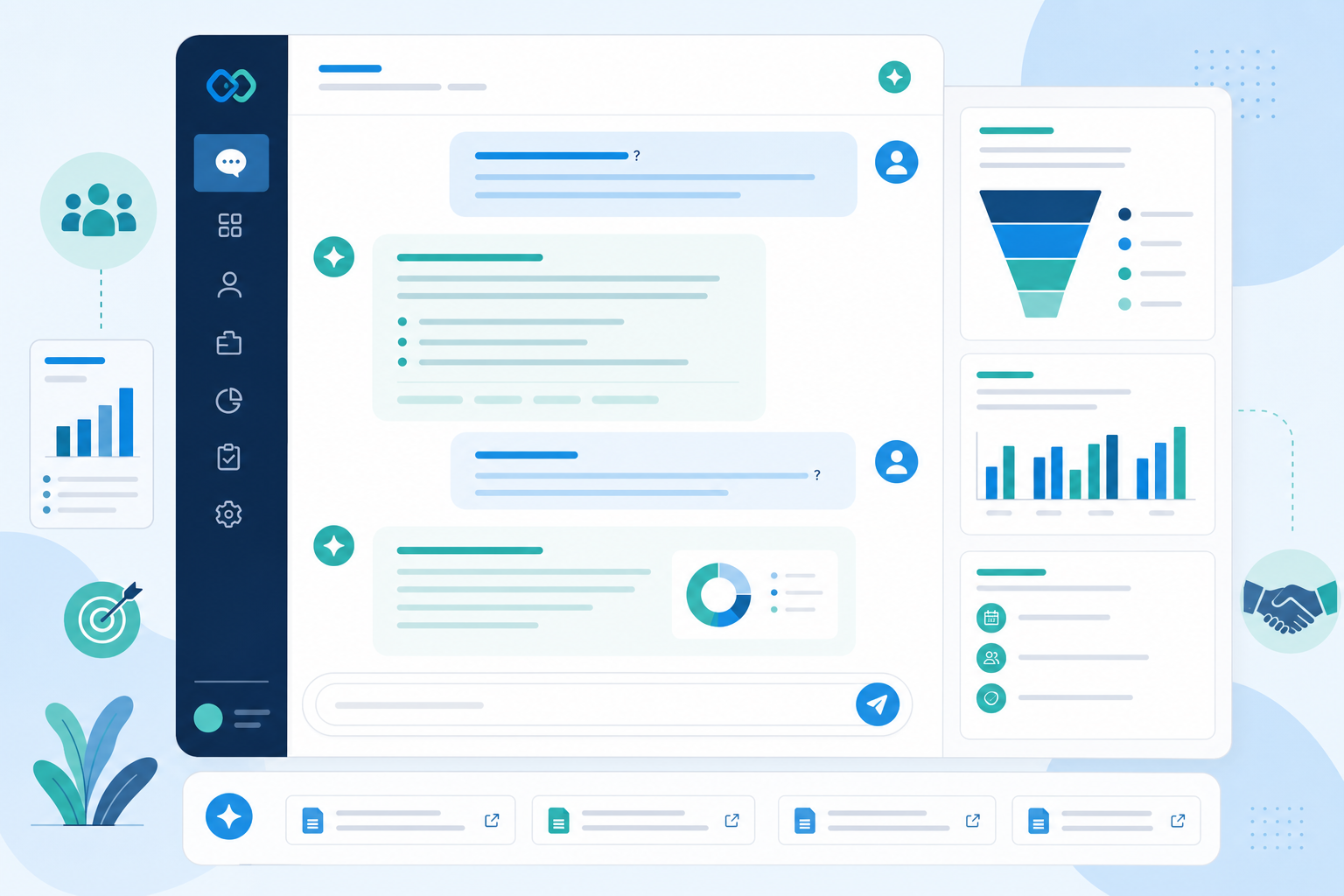
Create the opportunity from the Account record. Set Stage to Qualified, assign a primary contact, log the next activity within 48 hours. Finance handover starts at Proposal sent.
Three opportunities show healthy stages but thin notes: Meridian Fasteners Ltd (£118k), Cotswold Packaging Group (£47k), Harrow Engineering (£81k). Each lacks a named decision-maker or a logged next step.
Useful data lives in the CRM. People still cannot get straight answers.
Fields, notes, dashboards, reports, process documents, call transcripts, and implementation artefacts sit in different places. Common questions:
After go-live
CRM Insights sees this when adoption slips and support tickets repeat the same process questions. The CRM holds the answers. Users do not have time to hunt for them.
Grounded answers from CRM data and the documents around it
RAG (Retrieval-Augmented Generation) connects an assistant to approved business information. It pulls from CRM fields, notes, SOPs, and reports, then answers from that retrieved context.
RAG works like blinkers on a racehorse. The assistant stays on the track you define: approved CRM data, process documents, and client history.
The assistant reads your Workbooks or Dynamics records, implementation notes, training material, proposals, support tickets, and board packs before it replies. Every answer can point back to a source record or document.
Create the opportunity from the Account record. Set Stage to Qualified, assign a primary contact, log the next activity within 48 hours. Finance handover starts once Stage reaches Proposal sent.
Three opportunities show healthy stages but thin notes: Meridian Fasteners Ltd (£118k), Cotswold Packaging Group (£47k), Harrow Engineering (£81k). Review them in Monday’s pipeline meeting.
Two high-value deals have no next step logged. One account has open support tickets and no director-level contact in 94 days. Four deals moved close date twice this quarter.
Illustrative example. Shows citation behaviour only.
Technical note (for Neil)
RAG indexes CRM and document chunks, retrieves the best matches for each question, and passes them to a language model. Smaller models can handle classification and permission checks before the main answer runs. Start read-only; add write actions only after trust is established.
Who gets value from this
-
Leadership
“What should I be worried about this week?”
Weekly brief drawn from pipeline notes, open support tickets, and stale high-value deals.
-
Sales managers
“Which deals look healthy in the dashboard but weak in the notes?”
Pipeline reviews that combine stage, activity dates, and note content.
-
Sales & AMs
“Brief me on this company before my call.”
Account history, prior deals, objections, and active tickets in one prep sheet.
-
New starters
“What does this field mean? When do I move stage?”
Process answers at the point of need, pulled from playbooks people rarely open.
-
Ops & finance
“Where are fulfilment bottlenecks?”
Phase 2 Cross-department queries once sales data links to operations records.
What a RAG layer could do
CRM process and adoption assistant
Answers “how do I” and “when should I” from playbooks, field definitions, and stage rules. Targets the support tickets CRM Insights already handles after go-live.
Internal variant: CRM Insights knowledge assistant trained on Workbooks/Dynamics methodology, migration checklists, and proposal templates. Proves the model before client rollout.
Executive pipeline brief
Stale deals, forecast movement, support escalations. Summarised with citations to notes and reports.
Pipeline risk review
Combines stage, last activity, notes, and qualification gaps to flag over-forecasted deals.
Meeting prep
Account history, prior deals, objections, tickets, and talking points in one brief.
Deal intelligence
Similar won and lost deals, common objections, pricing patterns, proposal examples from CRM history.
Phase 2: agentic updates (draft tasks, fill missing fields) once read-only answers, permissions, and data quality are proven in production.
What needs to happen first
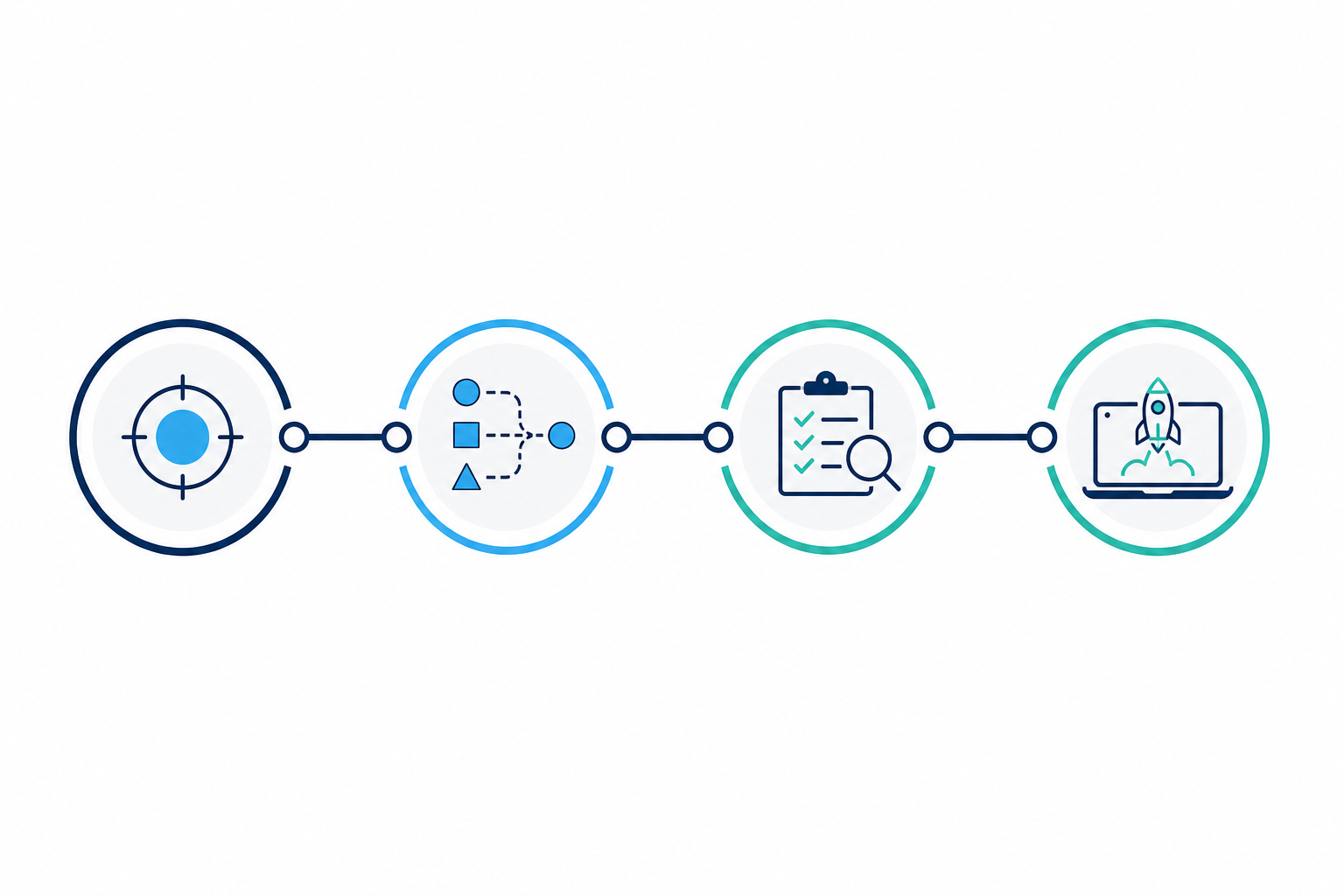
- Define the first use case Start with internal knowledge or adoption Q&A. One assistant, one job.
- Map data sources Workbooks vs Dynamics, APIs, SharePoint, OneDrive, 3CX transcripts if available.
- Assess data quality Duplicates, missing fields, stale stages, conflicting docs. Sell a readiness audit where needed.
- Design guardrails Role-based access, refusal when data is thin, citations, escalation to a human.
- Choose sync cadence Process docs can sync daily. Pipeline risk may need fresher CRM reads.
- Build MVP Read-only, permission-aware, citation-enabled. Measure against real user questions.
- Test, refine, package Internal proof, then focused client pilots, then managed service.
Clean data and documented process make RAG useful. That is work CRM Insights already sells through migration, workshops, and ongoing support.
Trust and permissions
Every answer links to a source (opportunity note, board report, process doc). The assistant refuses when data is insufficient. Permissions mirror CRM roles: a salesperson cannot read the CEO’s performance notes.
What comes up in scoping conversations
Data quality
Thin notes and duplicate accounts produce thin answers. CRM Insights already runs data cleanup and migration projects. A readiness audit scopes what needs fixing before the assistant goes live.
Integration
Workbooks and Dynamics differ by API, object model, and hosting. Same inspection discipline as any implementation: map the architecture, then scope the build.
Permissions
Role-aware retrieval is part of the product. Confidential notes stay with the roles that already see them in the CRM. Cross-client leakage is blocked at the index level.
Wrong answers
Design for refusal, citations, and human escalation. Read-only MVP first. Write actions come later.
Vendor copilots
Platform AI answers generic CRM questions. CRM Insights’ layer uses client-specific process design, implementation decisions, and cross-system documents tied to how that client actually works.
CRM Insights is already set up to sell this
Depth in Workbooks and Microsoft Dynamics. CRM structure, migration, data cleaning, workflows, reporting, adoption, training, and ongoing support. A managed intelligence layer fits the retainer model CRM Insights runs today.
Go-live becomes the start of a longer relationship: assistant tuning, document ingestion, monthly insight reviews, quarterly use-case workshops.
Ways to charge for it
-
AI CRM readiness audit
Fixed-fee diagnostic: data audit, documentation review, use-case prioritisation, MVP roadmap.
-
Internal MVP build
Assistant on CRM Insights’ own playbooks and methodology. Live demo for sales conversations.
-
Client pilot
One assistant, one use case (adoption Q&A, exec brief, or meeting prep). Fixed scope, fixed timeline.
-
AI-enhanced support retainer
Assistant plus monthly insight report and data-quality flags on top of existing CRM support.
-
Managed intelligence layer
Ongoing ingestion, tuning, permission updates, and new use cases. Monthly fee.
-
Tiered packaging
Price on users, sources, query volume, sync frequency, and whether agents can write back to the CRM.
Example packages
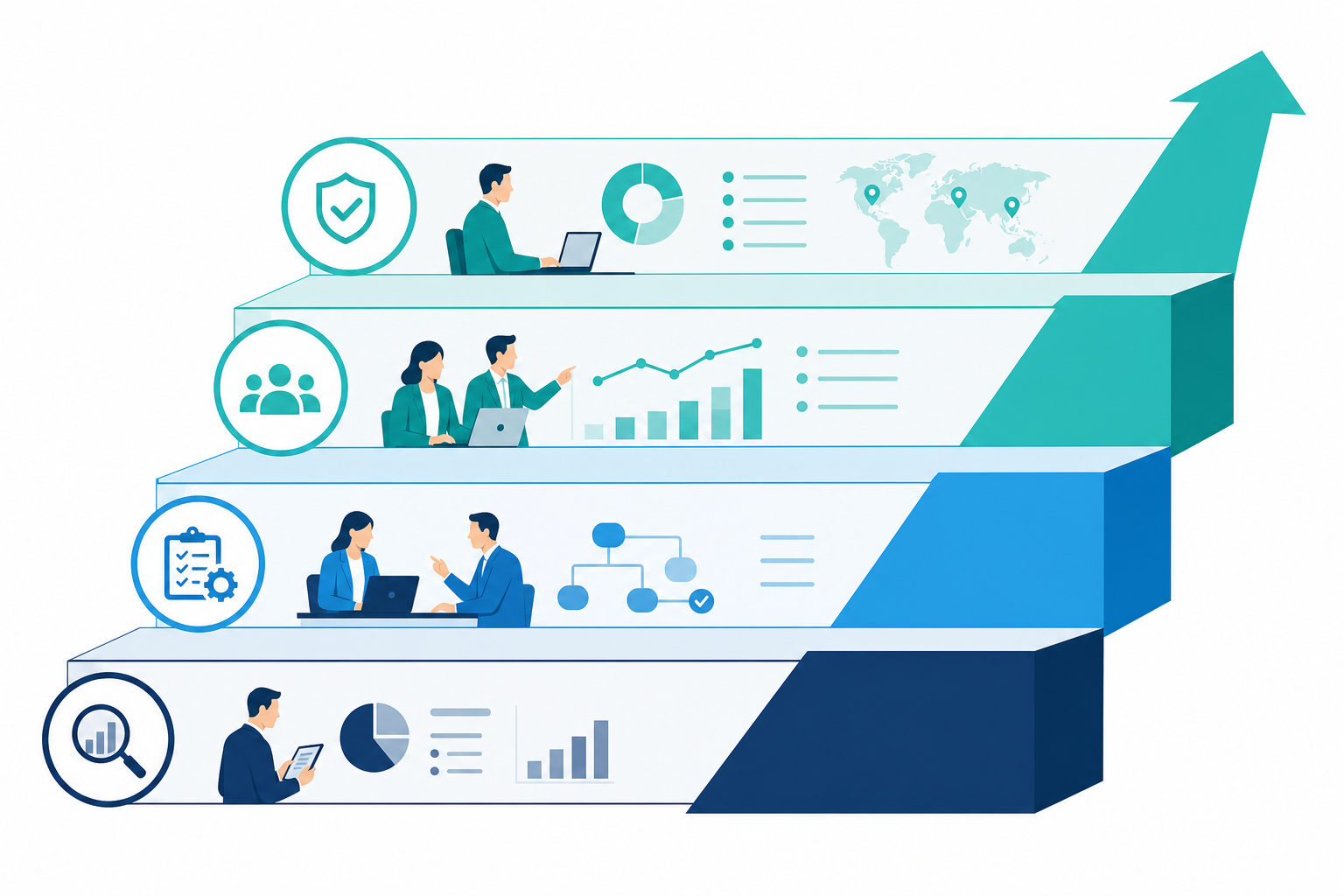
Starter
- One assistant, one use case
- Limited source connections
- Monthly citation audit on 50 sample queries
Professional
- Leadership and sales use cases
- Multiple sources with usage reporting
- Data quality flags in monthly review
- Quarterly prompt and retrieval tuning
Enterprise
- Advanced permissions across departments
- Operational workflow queries
- Agentic field updates (phase 2)
- Quarterly strategy workshop with client leadership
Questions for Don and Neil
Productise the expertise CRM Insights already has
Readiness audit, internal proof on your own playbooks, client pilot on adoption Q&A, then a monthly managed layer for ingestion and tuning. CRM Insights stays embedded long after go-live.
Clean CRM data, documented process, trusted documents, and a RAG assistant that cites its sources. That is the offer.